

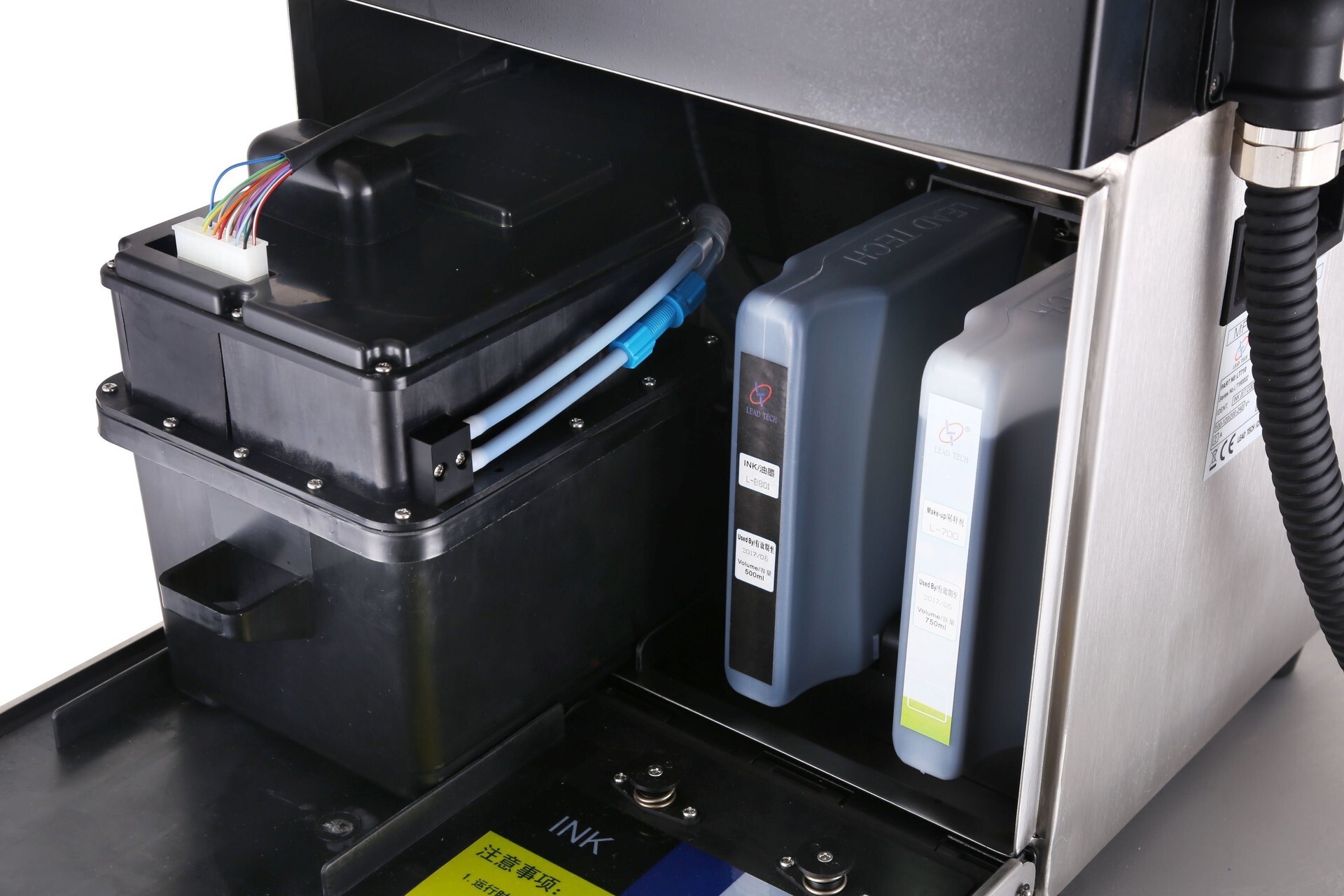
Small character inkjet printers have become essential tools in many manufacturing and packaging industries. These printers are valued for their ability to print batch numbers, expiration dates, barcodes, and other variable data directly on products. However, like all precision machinery, their efficiency and longevity depend heavily on proper maintenance. Regular care ensures consistent print quality, reduces downtime, and extends the lifespan of the device.
Keep the Printer Clean
One of the most important maintenance tips for a Small Character Inkjet Printer is keeping it clean. Ink residue, dust, and debris can accumulate on the printhead, nozzles, and other critical components. This can lead to clogged nozzles, smudged prints, or even printer failure. It is recommended to clean the printer regularly using manufacturer-approved cleaning solutions and soft, lint-free cloths. Avoid using abrasive materials or harsh chemicals that can damage delicate parts.
Monitor Ink Levels and Replace Cartridges Promptly
Proper ink management is vital for uninterrupted operation. Running a printer with low or expired ink can result in poor print quality or clogging. Always monitor ink levels and replace cartridges before they run out completely. Additionally, store spare cartridges in a cool, dry place to prevent drying or degradation. Using the correct ink type recommended for your printer ensures optimal performance and reduces the risk of damage to the printhead.
Check and Maintain Printheads
The printhead is the heart of a small character inkjet printer. Over time, nozzles can become clogged due to dried ink or environmental factors. Regularly inspecting the printhead for blockages and performing automatic or manual cleaning cycles is essential. Many modern printers have built-in cleaning routines, which should be run according to the manufacturer’s recommendations. Avoid touching the nozzles with your fingers, as oils and debris can interfere with proper ink flow.
Proper Alignment and Calibration
Incorrect printer alignment or calibration can lead to inconsistent markings, smudges, or blurred prints. Ensure the printer is correctly positioned relative to the product on the production line. Periodically check alignment and recalibrate the printer as needed. Some models offer automated calibration features, which can save time and reduce errors. Proper calibration not only improves print quality but also minimizes waste caused by misprinted products.
Control Environmental Conditions
Environmental factors such as temperature, humidity, and dust can significantly affect printer performance. Small character inkjet printers operate best in a stable environment free from excessive moisture or dust. High temperatures can cause ink to dry too quickly, while low temperatures can thicken ink and block nozzles. Ensure that your production area maintains suitable conditions, and consider using protective covers or enclosures if necessary.
Regular Software Updates
Many small character inkjet printers come with software that controls print patterns, ink flow, and operational settings. Keeping this software up to date ensures the printer benefits from the latest features, bug fixes, and performance improvements. Regularly check the manufacturer’s website or user portal for updates, and follow recommended procedures when installing them. Updated software can enhance efficiency, prevent errors, and improve overall printer reliability.
Avoid Prolonged Idle Periods
Prolonged idle periods can cause ink to dry in the nozzles, leading to clogs or reduced print quality. If the printer will not be in use for an extended period, follow the manufacturer’s guidelines for shutdown and storage. This may include running a cleaning cycle, capping the printhead, or using a protective fluid to keep the ink from drying. Regular use of the printer, even in small batches, can help maintain consistent performance.
Schedule Professional Maintenance
In addition to routine cleaning and upkeep, professional maintenance at recommended intervals can help prevent serious issues. Authorized service technicians can inspect internal components, replace worn parts, and perform in-depth cleaning that is not possible during routine user maintenance. Scheduling professional checks ensures the printer continues to operate at peak efficiency and reduces the risk of unexpected breakdowns.
Train Operators Effectively
Properly trained operators are key to maintaining printer performance. Staff should be familiar with cleaning procedures, alignment checks, ink replacement, and troubleshooting common issues. Well-trained personnel can identify problems early and take corrective actions before they escalate, reducing downtime and minimizing costs associated with repairs or wasted materials.
Conclusion
Maintaining a small character inkjet printer requires consistent care, attention to detail, and adherence to manufacturer guidelines. Key practices include regular cleaning, monitoring ink levels, maintaining printheads, ensuring proper alignment, controlling environmental conditions, updating software, avoiding prolonged idle periods, and scheduling professional maintenance. By following these steps, businesses can ensure their printers deliver consistent, high-quality markings, improve operational efficiency, and extend the life of their investment. Investing in a Small Character Inkjet Printer and maintaining it properly ensures reliability and precision across production lines, making it a crucial tool for modern manufacturing and packaging operations.